ATS vs AI Resume Screening: What's the Difference?
Most hiring software gets lumped into one bucket. "We use an ATS" has become shorthand for "we have a hiring tool," regardless of what the tool actually does.
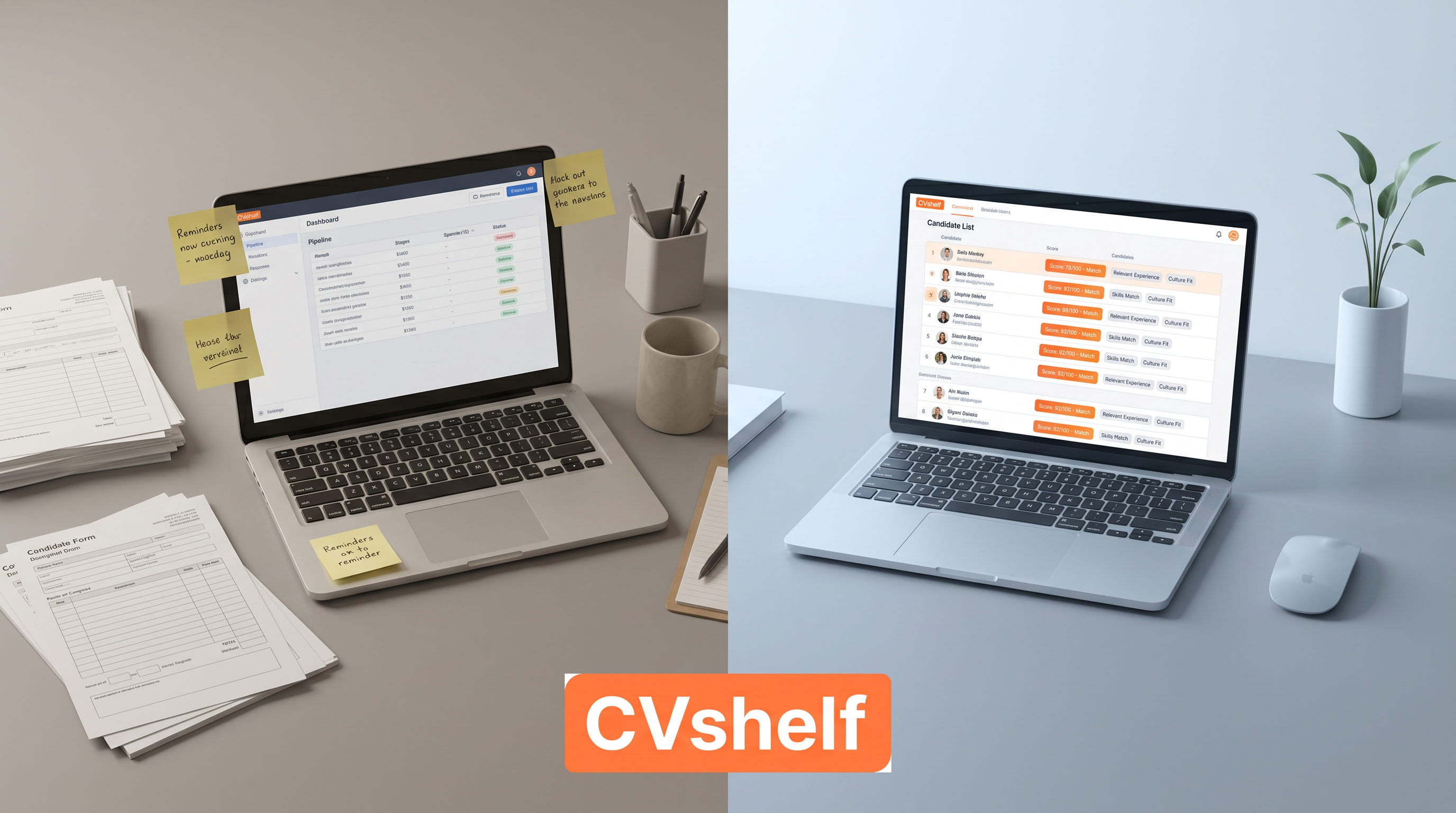
Most hiring software gets lumped into one bucket. "We use an ATS" has become shorthand for "we have a hiring tool," regardless of what the tool actually does. So when AI resume screening started gaining traction, a lot of HR teams assumed it was just a newer version of what they already had.
It is not.
An applicant tracking system and an AI screening tool solve different problems. Some tools try to do both, but that does not mean they do both well. If you are choosing between them, or trying to figure out whether you need one or the other or both, this article breaks it down clearly.
What an ATS Actually Does
An ATS is a workflow and storage system. Its job is to manage the administrative side of recruiting.
When a candidate applies, the ATS captures their information, creates a record, and routes them through your hiring pipeline. It tracks where every candidate is: applied, phone screen, interview scheduled, offer sent, rejected. It sends automated status emails. It stores documents. It lets multiple people on your team leave notes and collaborate on a decision.
The big enterprise platforms like Workday, Greenhouse, Lever, and iCIMS do this extremely well. They integrate with job boards, handle compliance requirements, produce reports on time-to-hire and cost-per-hire, and give large HR teams a shared system of record.
An ATS answers the question: where is this candidate in our process?
What it does not do well, by design, is answer the harder question: how good is this candidate compared to everyone else who applied?
What AI Resume Screening Does
AI screening is not a tracking tool. It does not manage your pipeline or send status emails.
What it does is read resumes and rank candidates. You give it a job description. You upload a batch of resumes. The AI reads each one, scores it against the criteria, and returns a ranked list with explanations for why each candidate placed where they did.
The output is not a workflow. It is a shortlist.
Done well, AI screening surfaces candidates you would have missed if you were reading manually, especially in larger applicant pools where strong candidates often get buried after the first 30 resumes. It also removes the inconsistency that comes from one person reading 200 resumes over two days: your judgment changes, your energy changes, and candidates toward the bottom of the pile get less attention than the ones at the top.
AI screening answers the question: who should actually be on my shortlist?
Why Most ATS Tools Screen Poorly
Most ATS platforms have a screening feature. It is almost always keyword matching.
The system scans resumes for words and phrases that appear in your job description. If the job requires "Python" and the resume contains "Python," that is a match. If the resume says "built data pipelines using Python and Airflow," but your job description used the phrase "programming languages" instead of listing Python specifically, it might not match at all.
This is a mechanical process, not an intelligent one. It cannot assess context, infer relevance, or distinguish between a candidate who has used a skill in a meaningful way versus someone who listed it once in a side project.
It can also not rank. Keyword matching tells you who cleared a filter, not who is the best fit. You can end up with 40 "qualified" candidates and still have no idea where to start.
Some enterprise ATS platforms have started adding AI layers on top of their existing architecture. The results are mixed. Bolting AI onto a system built for workflow management is different from building AI screening from the ground up.
AI Screening is a Complement, Not a Replacement
This is worth saying directly because some vendors position AI screening as an ATS replacement. That framing is mostly wrong.
If you have a 10-person company and you hire four times a year, you may genuinely not need a full ATS. A spreadsheet and CVShelf might be enough. But if you have an established pipeline, a team that needs to collaborate on hiring decisions, compliance requirements, or integrations with payroll and HR systems, you need an ATS.
What you do not need is to rely on your ATS to screen your resumes.
The better model is to use both. AI screening handles the front of the funnel: it turns 200 applications into a ranked shortlist of 20. From there, your ATS takes over: it manages those 20 candidates through interviews, feedback rounds, and decisions.
The tools hand off to each other. That is how most effective recruiting operations are starting to work.
How CVShelf Fits Into This
CVShelf is an AI resume screening tool. It does not try to be an ATS.
The workflow is straightforward. You post a job. Resumes come in. Instead of reading them manually or relying on keyword filters, you upload them to CVShelf, paste in your job description, and let the AI rank the batch. Each candidate gets a score and an explanation: this person ranked highly because they have direct experience in X and Y; this person ranked lower because they are missing Z.
You get a shortlist in minutes rather than days.
CVShelf supports bulk uploads in PDF and Word format, LinkedIn job description import, and handles batches of 300-plus resumes without issue. It is priced from $29 per month, which puts it in reach for small businesses, boutique agencies, and HR generalists who do not have a dedicated sourcing team.
Once you have your shortlist, you move those candidates into whatever system you already use. Your ATS, your spreadsheet, your shared Notion doc. CVShelf does not try to own the whole workflow. It just handles the part that is most time-consuming and most prone to error.
For recruitment agencies in particular, this model works well. You are processing high volumes of resumes across multiple client roles at the same time. Speed matters. Missing a strong candidate because they were buried on page six of a PDF batch is a real cost.
Which Type of Company Needs What
You need an ATS if:
You have a recruiting team of two or more people who need to work on candidates together. You hire 20-plus people per year. You have legal or compliance requirements around hiring documentation. You need reporting on pipeline metrics. You are integrating hiring with onboarding or HRIS systems.
You need AI screening if:
You receive more than 30-50 applications per open role. You are spending hours reading resumes manually. Your current screening is keyword-only and you are missing good candidates. You want a ranked shortlist rather than a filtered list. You are a small team or solo HR generalist who needs to move fast.
You probably need both if:
You have an ATS but the screening is weak and you are still reading resumes manually. You work at a growing company where hiring volume is increasing faster than headcount. You run a recruitment agency handling multiple roles simultaneously and need faster candidate ranking before handing shortlists to clients.
The honest answer for most growing companies is: use an ATS for pipeline management and add AI screening for the front-end volume problem. They are not in competition.
Add AI Screening to Your Existing Workflow
You do not need to replace your ATS to get better screening. CVShelf works alongside whatever you already use.
Upload your resumes, get a ranked shortlist with explanations, then move your top candidates into your existing pipeline. Setup takes an afternoon, not a week.
Try CVShelf free at cvshelf.com. No complex setup required.
Keep Reading
More from AI Resume Screening.
Best ATS For Small Marketing Agency
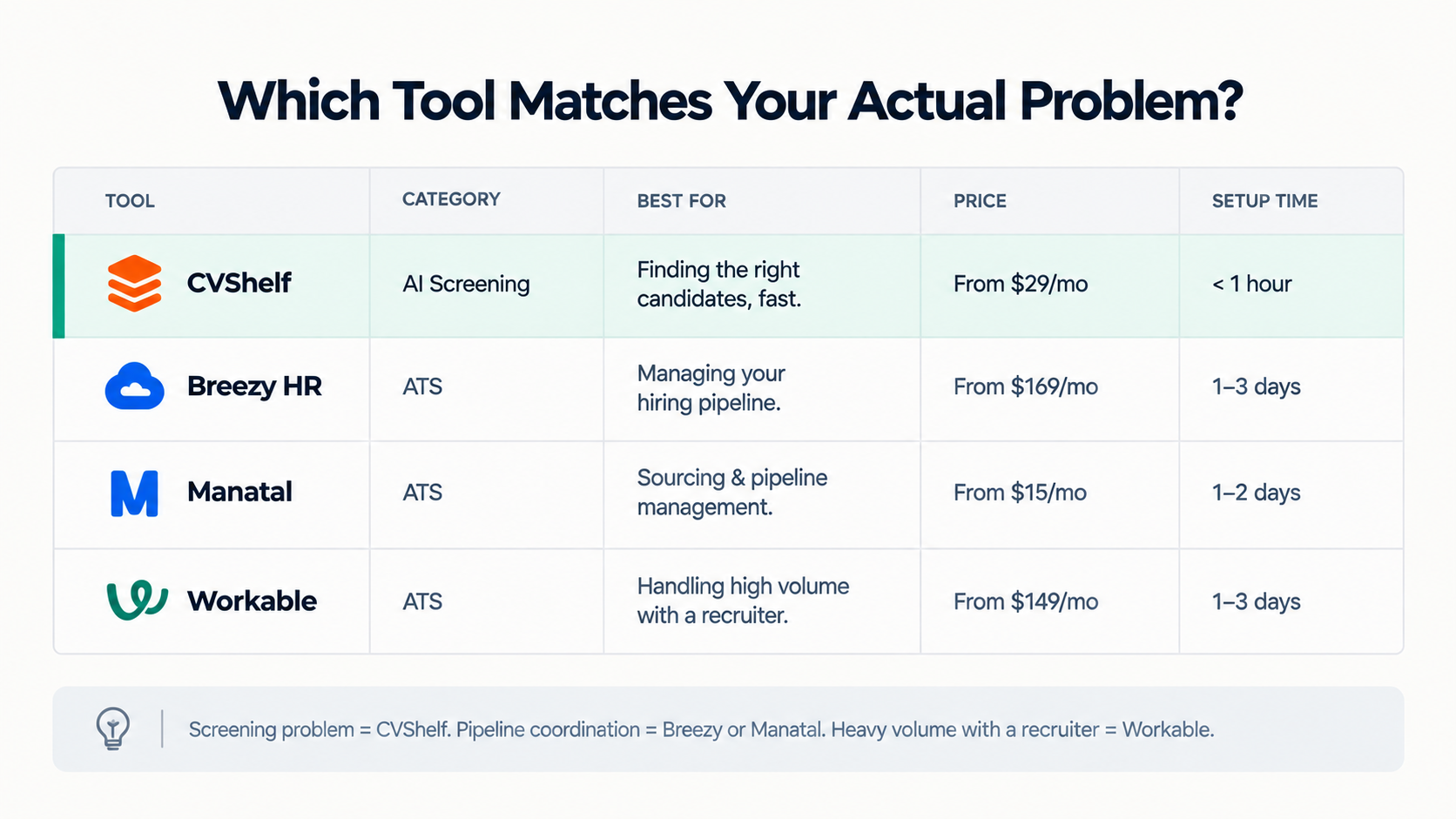
This post is for founders and MDs at 10 to 100 person marketing or creative agencies.
Is AI Resume Screening Legal In The UK?
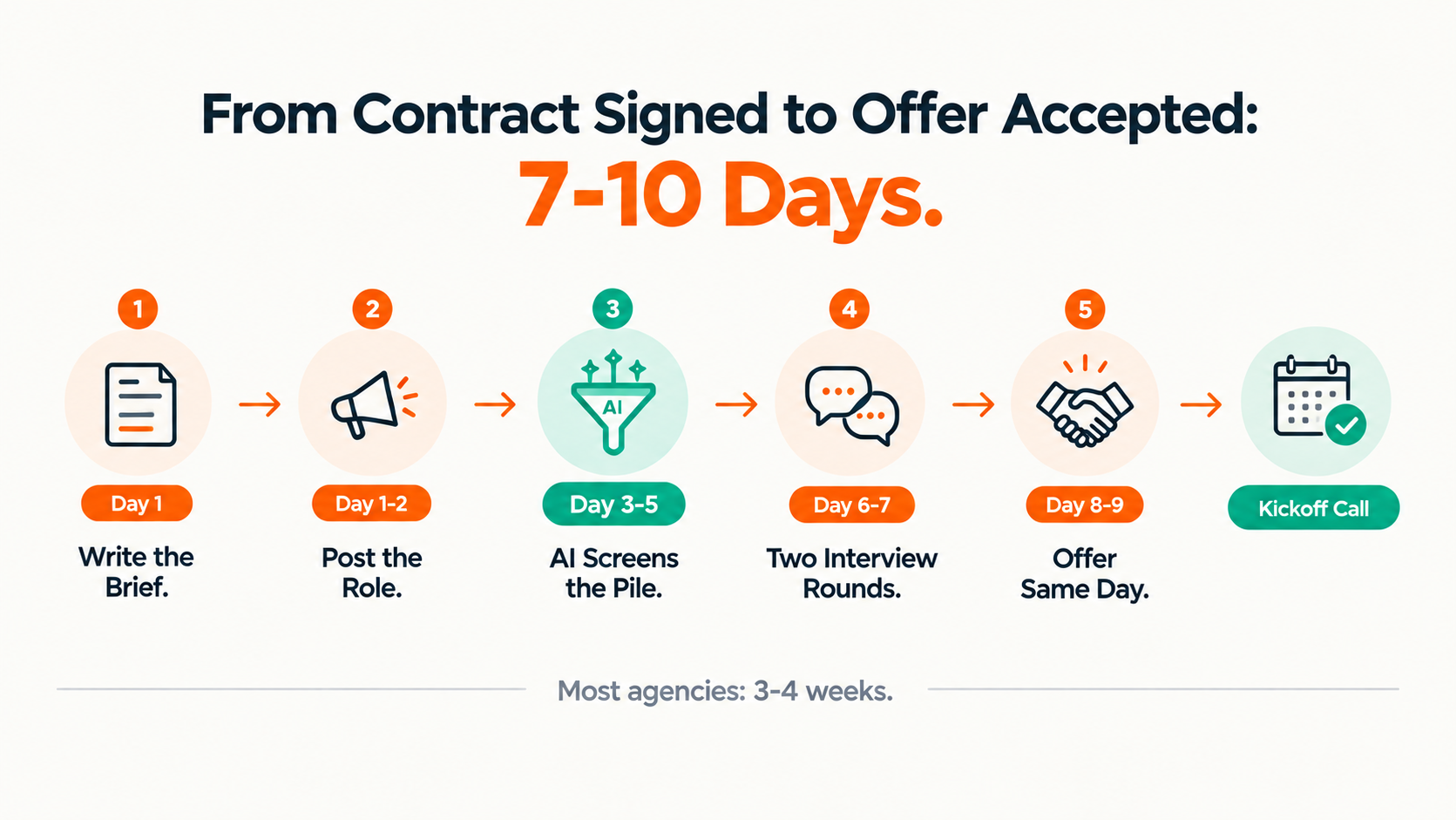
AI resume screening is legal in the UK.
How To Hire An Account Manager Quickly
Account manager is the role agencies hire most urgently, usually right after a client win and usually without enough time to do it properly.