Best Recruitment Automation Tools in 2026
Recruiting eats roughly 40% of an HR team's working hours. The fix isn't hiring more people. It's automating the right parts of the process.

Recruiting Is Taking Too Much Time
Studies consistently show that HR professionals spend close to 40% of their working hours on recruiting-related tasks. Posting jobs, reading resumes, scheduling interviews, following up with candidates, chasing hiring managers for feedback. Most of it is coordination work, not decision-making work.
That's the part automation is good at.
The challenge is that "recruitment automation" has become a catch-all phrase covering everything from AI resume ranking to automated offer letter generation. Not all of it is worth buying. Not all of it will work for your team size, your budget, or your actual hiring volume.
This guide cuts through that. It covers the five categories of recruitment automation that matter most, the tools worth looking at in each, the mistakes most teams make when buying, and how to build a stack that actually gets used without spending more than $200 a month.
The 5 Categories of Recruitment Automation
1. Sourcing Automation
What it automates: Finding candidates across job boards, LinkedIn, and talent databases. Posting jobs to multiple platforms from one place. Building passive candidate pipelines without manual searching.
Why it matters: Sourcing is time-intensive and repetitive. Automation here means your job posts go wider with less manual effort, and relevant candidates get surfaced without a recruiter spending hours on LinkedIn boolean searches.
Top tools to consider:
Manatal pulls candidates from LinkedIn and multiple job boards into a single pipeline. It includes AI-driven candidate recommendations based on job requirements. Starts at around $15 per user per month.
Workable combines job posting, sourcing, and pipeline management. Its sourcing engine searches over 200 million candidate profiles. Mid-range pricing starts around $189 per month for small teams.
What to look for: Native job board integrations, quality of the candidate database for your target market (US or UK), and whether sourcing is bundled with pipeline management or sold separately. Avoid tools that charge per job post on top of a monthly fee.
2. Resume Screening
What it automates: Reading and evaluating resumes against job criteria. Ranking candidates by relevance. Surfacing the top matches and explaining the reasoning.
Why it matters: This is where most recruiting time goes. A 200-resume pile represents 15 to 25 hours of manual review. Screening automation cuts that to minutes and reduces the inconsistency that comes from human fatigue and cognitive drift.
Top tools to consider:
CVShelf processes bulk resume uploads against a job description and returns a ranked, explained shortlist. It pulls job descriptions directly from LinkedIn, accepts PDF and Word uploads, and produces per-candidate explanations so you understand the ranking. Starts at $29 per month.
HireVue offers AI screening but also includes video interviewing and is positioned toward enterprise. More features, higher cost, and more setup required. Worth it for larger teams.
What to look for: Explainability matters. Any AI screening tool that gives you a score without an explanation is a black box you cannot audit or override. Also look for bulk upload capability, not just one-resume-at-a-time processing. Setup time should be under an hour for a new role.
3. Interview Scheduling
What it automates: Coordinating interview times between candidates and interviewers. Sending confirmations, reminders, and rescheduling options. Eliminating the back-and-forth email chain that can stretch coordination to 48 hours or more.
Why it matters: Scheduling is pure coordination overhead. It requires no judgment. A strong candidate who has to wait three days to hear back about a first interview will take another offer.
Top tools to consider:
Calendly lets candidates book directly from your available slots. Adds buffer time, handles time zones, sends automated reminders. Free tier is functional for low-volume hiring. Paid plans start around $10 per user per month.
GoodTime is purpose-built for recruiting scheduling. Handles complex multi-interviewer panels, integrates with most ATS platforms, and includes interviewer load-balancing. Built for higher volume and mid-market companies. Higher price point but significantly more powerful than general scheduling tools.
What to look for: ATS integration (so booked interviews populate your pipeline automatically), multi-timezone support for US/UK teams, and candidate-facing UX that doesn't feel clunky.
4. Candidate Communication
What it automates: Application confirmations, status updates, rejection emails, interview prep materials, and follow-up sequences. Keeping candidates informed at each stage without a recruiter manually sending individual emails.
Why it matters: Candidate experience affects both offer acceptance rates and employer brand. Most candidates say the biggest frustration in hiring is silence. Automated communication at each stage costs almost nothing and prevents a significant drop-off in candidate goodwill.
Top tools to consider:
Breezy HR includes automated email workflows triggered by pipeline stage changes. When a candidate moves from "Applied" to "Phone Screen," a prep email goes out automatically. Starts around $157 per month for small teams (it bundles ATS and communication).
Gem is a candidate relationship management tool built for high-volume outbound recruiting. Better for teams doing proactive sourcing than inbound application management. Enterprise-leaning pricing.
What to look for: Trigger-based automation (emails that fire when pipeline stages change), personalisation tokens so emails don't read like form letters, and an audit trail of what was sent to whom.
5. Onboarding Automation
What it automates: New hire paperwork, document collection, task assignment, equipment requests, first-week schedules, and compliance acknowledgements. Ensuring every new hire gets a consistent onboarding experience without an HR team member manually managing each checklist.
Why it matters: Onboarding quality directly affects 90-day retention. Companies with structured onboarding see significantly higher retention rates among new hires. Automation doesn't make onboarding warmer. It makes sure the mechanical parts get done so HR can focus on the relationship side.
Top tools to consider:
BambooHR covers onboarding alongside the broader HRIS function. New hire portals, e-signature for documents, task assignments, and integrations with payroll. Widely used by SMBs. Pricing is not public but tends to land around $6 to $9 per employee per month.
Rippling handles onboarding with deeper IT provisioning than most HR tools. When a hire is confirmed, it can automatically set up email accounts, software access, and equipment orders. More powerful, more expensive, and more relevant for tech companies.
What to look for: E-signature for compliance documents, task assignment workflows for the hiring manager and new hire, integration with your payroll provider, and a self-service new hire portal so basic questions get answered without a phone call.
The Mistakes Most Teams Make When Buying Recruitment Automation
Overbuying. The most common mistake. A team hiring 20 people per year signs up for an enterprise ATS with sourcing, screening, scheduling, communication, and onboarding built in. Six months later, they're using 20% of the features and paying for the rest.
Buy for your actual hiring volume, not your aspirational hiring volume. A team doing 20 to 50 hires per year needs different tools than one doing 300.
Poor integration planning. Automation tools that don't talk to each other create more manual work, not less. A scheduling tool that doesn't sync with your ATS means someone is still manually updating candidate records. Before buying, check: does this integrate natively with the other tools in your stack? Or does it require a middleware tool like Zapier to connect?
No adoption plan. Buying the tool is the easy part. Getting your team to actually use it consistently is the hard part. Recruitment automation tools that require significant behavior change from hiring managers (filling in scorecards, using a new scheduling link, responding in the tool rather than via email) will fail without a clear internal rollout plan.
Start with one category, get adoption solid, then expand.
Treating AI as infallible. AI screening and sourcing tools are assistants, not decision-makers. If your team applies AI rankings without reviewing them, you will make bad hires and miss strong candidates. Use explainability features. Override when context warrants. Keep humans in the loop at every decision point.
Start With the Biggest Bottleneck
If you're not sure where to start with recruitment automation, start where the most time goes.
For most HR teams, that's screening. A single open role receiving 200 applications represents 15 to 25 hours of manual reading. Multiply that across several open roles and you have a full week of your team's capacity going to resume review every month.
CVShelf cuts that to under 30 minutes per role. You get a ranked list with explanations, your team reviews the top candidates, and the rest of the process stays exactly as it is. No ATS replacement required. No new workflow to manage. Just less time reading resumes.
Start with the biggest bottleneck. Try CVShelf free at cvshelf.com.
Keep Reading
More from AI Resume Screening.
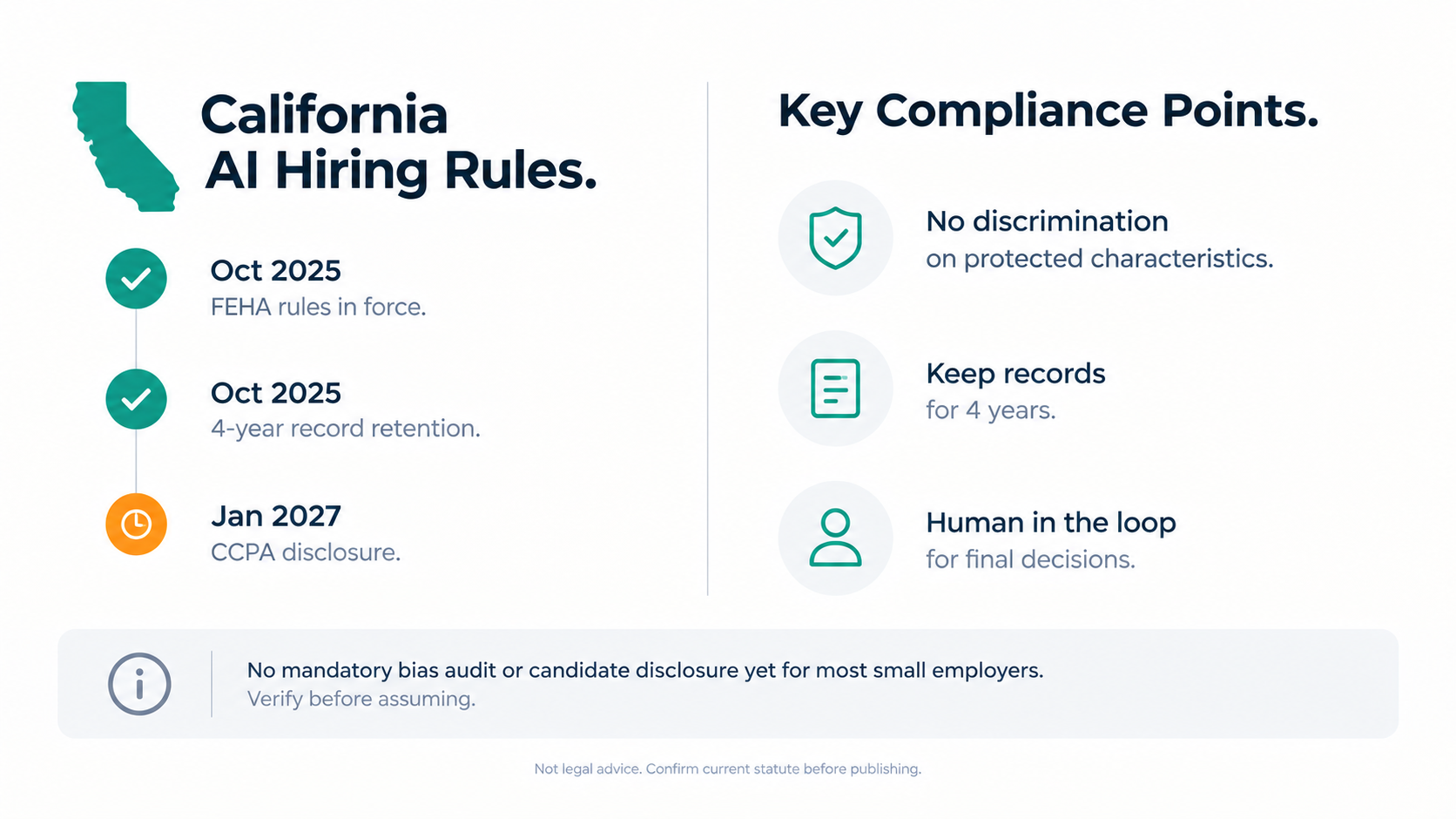
AI Resume Screening Disclosure Law California
California does not currently require employers to disclose to candidates that AI resume screening.
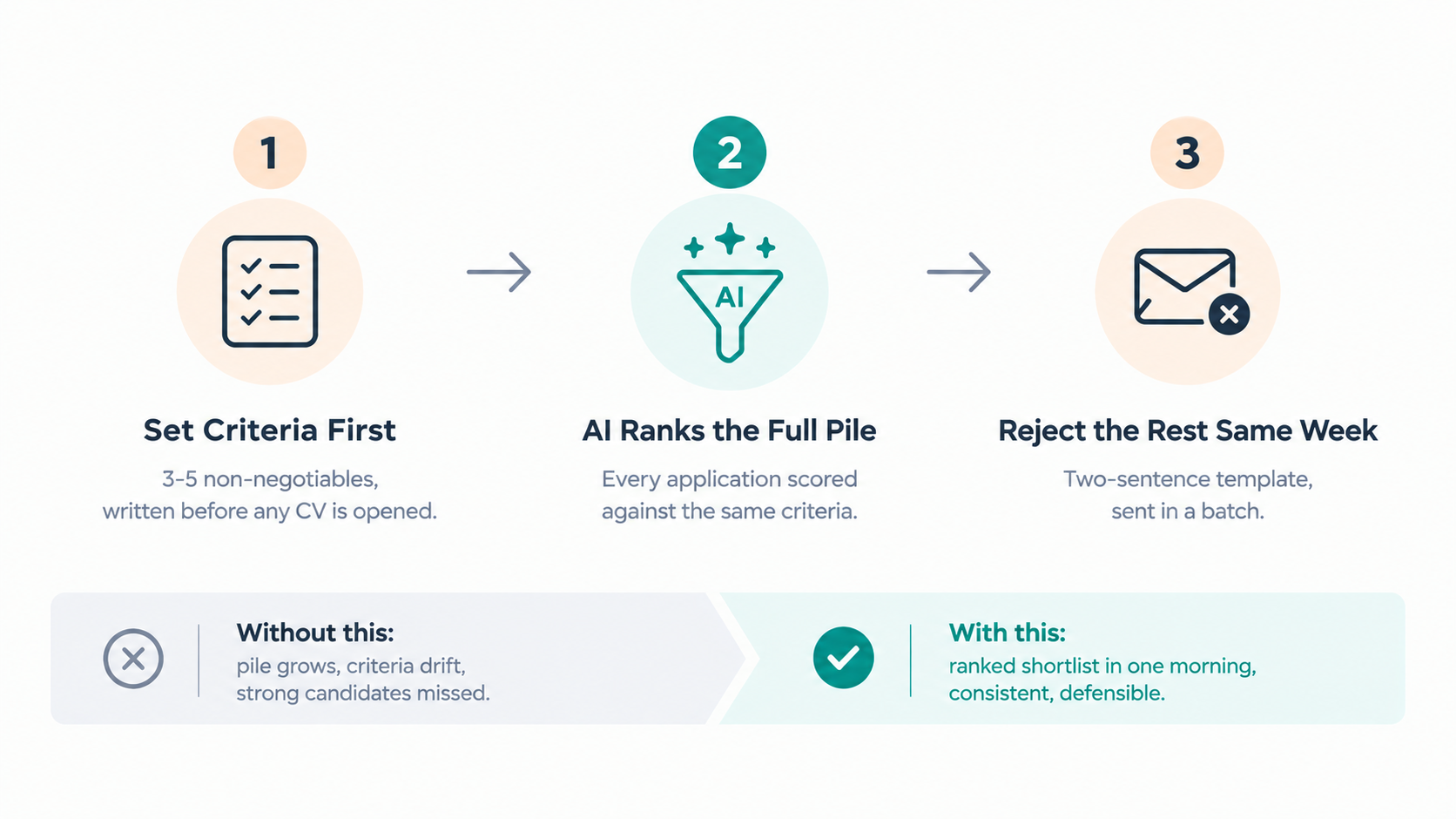
How To Screen Marketing Candidates Faster
Marketing roles at agencies generate large application piles and land on whoever has the most available time that week.
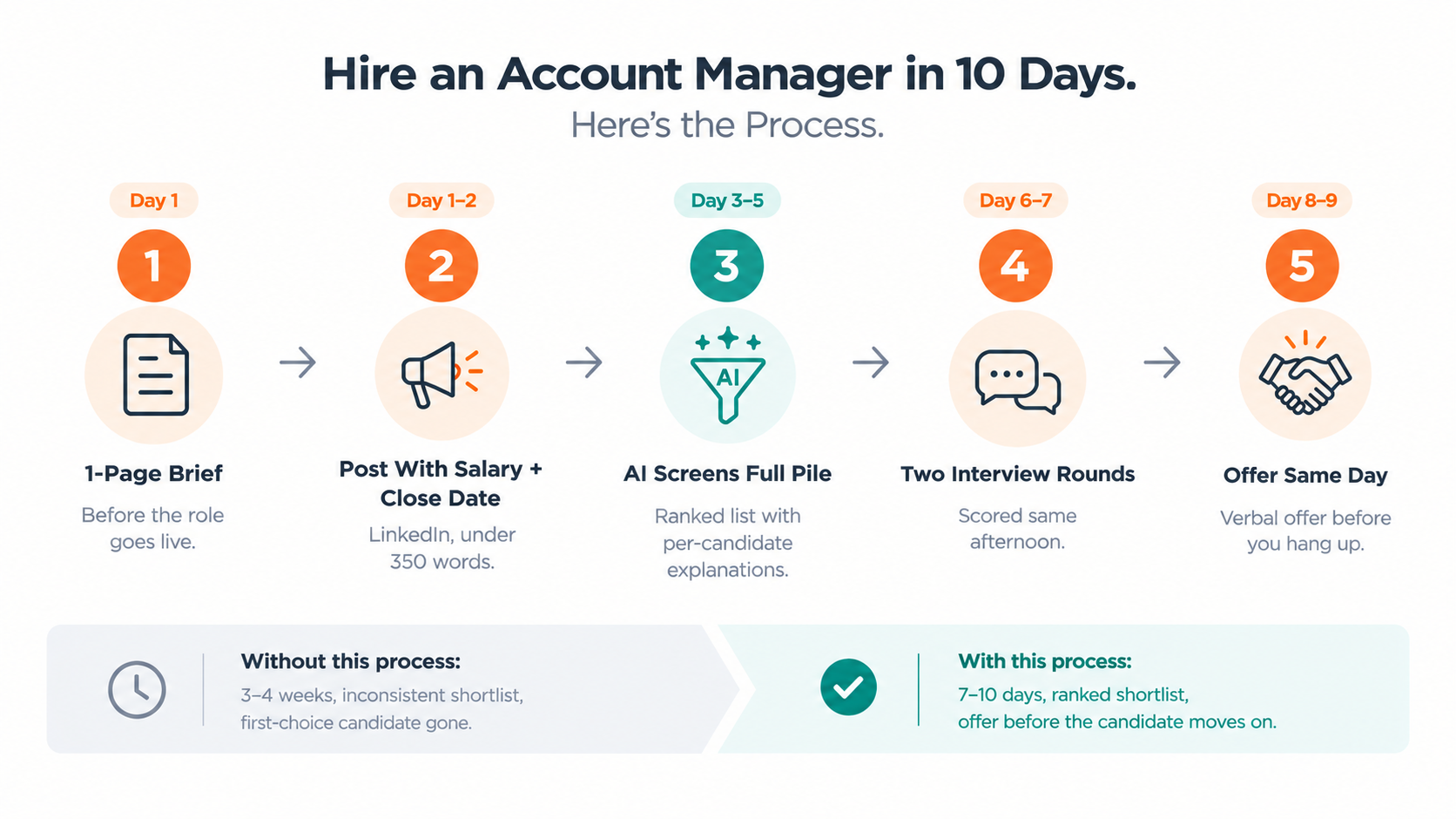
Account Manager Hiring Software for Agencies
Account manager is the most common hire at a growing agency, and the one that most often goes wrong.