Best Resume Parsing Software in 2026: How It Works and Top Options
Resume parsing software converts unstructured resume files into structured, searchable data. But parsing alone is only half the job.

What Is Resume Parsing?
A resume is an unstructured document. It arrives as a PDF or Word file with no consistent field labels, no standard layout, and no machine-readable format. One candidate lists their work history chronologically. Another uses a functional format. A third has a two-column design. A fourth is a plain text document with no formatting at all.
Resume parsing software reads these documents and converts them into structured data. It identifies which text is a name, which is a job title, which is a company, which dates correspond to which roles. The output is a structured record: a consistent set of fields populated from the raw document.
This structured data can then be searched, filtered, compared, and stored. Instead of 300 individual PDF files, you have 300 candidate records in a format your systems can actually work with.
That's what parsing does. It converts chaos into structure.
How Resume Parsing Works Technically
Modern resume parsing uses natural language processing (NLP) to read and interpret resume text. The process works in a few stages.
Text extraction. The parser first pulls all text from the document, regardless of format. PDFs, Word files, and plain text files all go through this stage. For image-based PDFs (scanned documents rather than digital originals), optical character recognition (OCR) runs first to convert the image into readable text.
Section identification. The parser identifies the major sections of the resume: contact information, work experience, education, skills, certifications. Resumes use many different section headers for the same content ("Professional Experience," "Work History," "Career Summary"), and good parsers recognise these variations.
Entity extraction. Within each section, the parser identifies specific entities: job titles, company names, dates, durations, skills, qualifications, locations. This is where NLP does the heavy lifting. "Senior Account Executive at Salesforce (2019 to 2023)" needs to be parsed into role title, company name, and date range separately.
Structured output. All extracted entities are mapped to standard fields and written to a structured data record. This record can be stored in a database, passed to an ATS, or fed into a ranking system.
The quality of parsing depends on how well the NLP model handles variations, edge cases, and non-standard layouts. A parser trained on a narrow set of resume formats will fail on documents that look slightly different.
What Good Parsing Does vs Bad Parsing
Most resume parsing tools handle standard, clean, single-column PDF resumes reasonably well. The gaps show up at the edges.
Format support. Good parsers handle PDFs, Word documents, plain text files, and multi-column layouts. Bad parsers extract cleanly from one format and misread the others. A two-column resume where work experience and education run side-by-side in separate columns will confuse a parser that reads left-to-right linearly, often mixing the two columns into a jumbled output.
Handling non-standard layouts. Candidates use tables, graphics, icons, and unusual formatting to stand out visually. A good parser extracts the data correctly regardless. A poor parser skips or misreads anything that doesn't match its training templates.
Consistent field mapping. "VP of Marketing," "Vice President, Marketing," and "Marketing VP" should all map to the same role type. Good parsers normalise variations. Poor parsers treat them as different entities and produce inconsistent search results.
Skills and qualification extraction. Identifying that "Python, SQL, Tableau" in a skills section represents technical skills is straightforward. Identifying that someone "built and managed a 12-person data team" implies team leadership is harder. Better parsers extract implied competencies from context, not just explicit lists.
Date and duration calculation. Parsing "Jan 2018 to Mar 2022" is easy. Calculating that this represents 4 years and 2 months of experience in a specific role is the next step, and essential for filtering by minimum experience. Parsers that extract dates without calculating durations create manual work downstream.
Resume Parsing vs Resume Ranking: Why You Need Both
Parsing extracts the data. Ranking tells you what to do with it.
A parser that identifies 300 candidate records accurately has given you structured information. It has not told you which of those 300 candidates is most qualified for the role, which meets your specific criteria best, or which you should interview first.
Resume ranking is the layer that answers those questions. It takes the parsed data, compares it against the job requirements, and orders candidates by fit. Good ranking also explains the ordering, so you can see why candidate A ranked above candidate B and push back where the context warrants it.
Most standalone parsing tools stop at extraction. They give you a database of candidate records that you still need to manually sort, filter, and evaluate. The search and filtering tools built into parsing platforms are better than nothing but they require you to know what you're looking for and manually query for it.
Ranking flips the model. Instead of you querying a database, the system surfaces the best matches automatically. Your job shifts from searching to reviewing.
The distinction matters more at volume. For 10 candidates, parsing alone is sufficient. You can review 10 records manually in 30 minutes. For 300 candidates, parsing without ranking just moves the bottleneck. Instead of reading 300 PDF files, you're searching through 300 structured records. The load is lighter but the fundamental problem is the same.
5 Things to Look for in Resume Parsing Software
1. Parsing accuracy across formats. Test any tool you're evaluating against your actual resume pile, not just clean sample documents. Send it a two-column PDF, a scanned image resume, a plain text file, and a heavily designed visual resume. See what comes out. The gap between demo performance and real-world performance is wider in parsing than almost any other HR tech category.
2. Breadth of format support. PDF and Word are table stakes. Beyond that, check for support for older Word formats (.doc not just .docx), plain text, and image-based PDFs that require OCR. If your candidates are submitting in formats the parser doesn't handle well, your structured data will have systematic gaps.
3. AI ranking layer. Does the tool rank candidates by relevance to the job, or does it only extract and store? A ranking layer, especially one that uses AI rather than keyword matching, transforms the tool from a filing system into a decision support tool.
4. Explainability. Can you see why a candidate ranked where they did? Explainable rankings allow you to validate the logic, catch errors, and override when context matters. Unexplained rankings require either blind trust or manual verification.
5. Integration options. Parsed candidate data needs to go somewhere. Check whether the tool integrates natively with your ATS or HRIS, or whether it requires a manual export step. Tools that sit in isolation create process gaps and data duplication.
How CVShelf Combines Parsing, Ranking, and Explanations
CVShelf handles the full workflow: parsing, ranking, and explaining in one process.
Upload. Bulk upload resumes as PDFs, Word documents, or a zip file. No manual entry. No one-at-a-time processing.
Parse. CVShelf extracts structured candidate data from every document, handling varied formats and non-standard layouts.
Rank. The AI compares every parsed candidate record against the job description and ranks them by relevance. This is not keyword matching. CVShelf evaluates the quality and depth of experience, not just the presence of terms.
Explain. Every ranked candidate comes with a per-candidate explanation. You can see what the AI found, what it assessed as strong, and what it flagged as missing. The ranking is auditable and overridable.
The whole process for a 200-resume batch takes under 30 minutes. The output is a ranked shortlist with explanations, ready to present to a hiring manager or feed into your ATS workflow.
CVShelf starts at $29 per month. No implementation process. No sales call. You can set up a new role and run your first screening in under 10 minutes.
Parsing-Only Tools vs CVShelf

The core difference is scope. Parsing-only tools solve the data structuring problem and hand the evaluation problem back to you. CVShelf solves both in one workflow.
For HR tech buyers evaluating the full stack cost, this matters. A parsing tool at $100 per month plus the evaluation and ranking work it doesn't do, whether that's another tool or manual recruiter time, is a more expensive solution than a combined parsing-and-ranking tool at $29.
The Right Tool Parses and Ranks
Resume parsing software is a foundation. Without it, you cannot efficiently manage high application volumes. But parsing alone is not enough. Structured data without ranked evaluation still requires significant human sorting effort.
The tools worth evaluating in 2026 combine accurate parsing with AI-powered ranking and explainable scores. That combination is what converts a pile of resumes into a shortlist you can act on.
Try CVShelf's AI-powered parsing and ranking free at cvshelf.com.
FAQs
What is the difference between resume parsing and resume screening? Resume parsing converts a resume document into structured data, extracting fields like name, work history, skills, and education. Resume screening evaluates that data against job criteria and determines which candidates are qualified. Parsing is a data transformation step. Screening is an evaluation step. Most modern tools combine both, but many older or standalone parsers only handle extraction and leave screening to the user.
How accurate is resume parsing software? Accuracy varies significantly by tool and by resume format. Most modern parsers achieve high accuracy on clean, standard PDF or Word resumes. Accuracy drops on scanned documents, heavily designed visual resumes, two-column layouts, and resumes in less common formats. When evaluating any parsing tool, test it against your actual incoming resume formats, not just the clean examples in the vendor demo.
Can resume parsers handle PDF resumes? Yes, but with caveats. Digitally created PDFs parse well in most tools. Scanned PDFs (images of paper documents) require OCR processing first and tend to have lower extraction accuracy. Two-column PDF layouts can cause issues in parsers that read text linearly. Test your specific PDF types before committing to a tool.
Does resume parsing software work with all ATS platforms? Not automatically. Most parsing tools offer API access or export formats that can connect to ATS platforms, but native integrations vary. Some tools integrate directly with major platforms like Greenhouse, Lever, or Workday. Others require middleware or manual export. Check the specific integration list for any tool you're evaluating before purchase.
What file formats do resume parsers support? Most modern parsers support PDF and .docx as standard. Better tools also handle .doc (older Word format), .txt, and .rtf. Image-based files (JPG, PNG) require OCR capability. If your candidate pool submits in a mix of formats, verify the tool handles all of them before deploying at scale.
Is resume parsing legal in the UK and US? Resume parsing itself is generally legal, but how the parsed data is used matters. In the UK, GDPR governs how candidate data is collected, stored, and processed. Candidates should be informed their data is being processed, consent where required, and data retention policies should comply with ICO guidance. In the US, EEOC guidelines govern automated selection tools. If AI ranking is applied to parsed data, explainability is important for demonstrating that the process is not discriminatory. Both markets increasingly require that automated screening decisions be auditable and overridable by a human.
Keep Reading
More from AI Resume Screening.
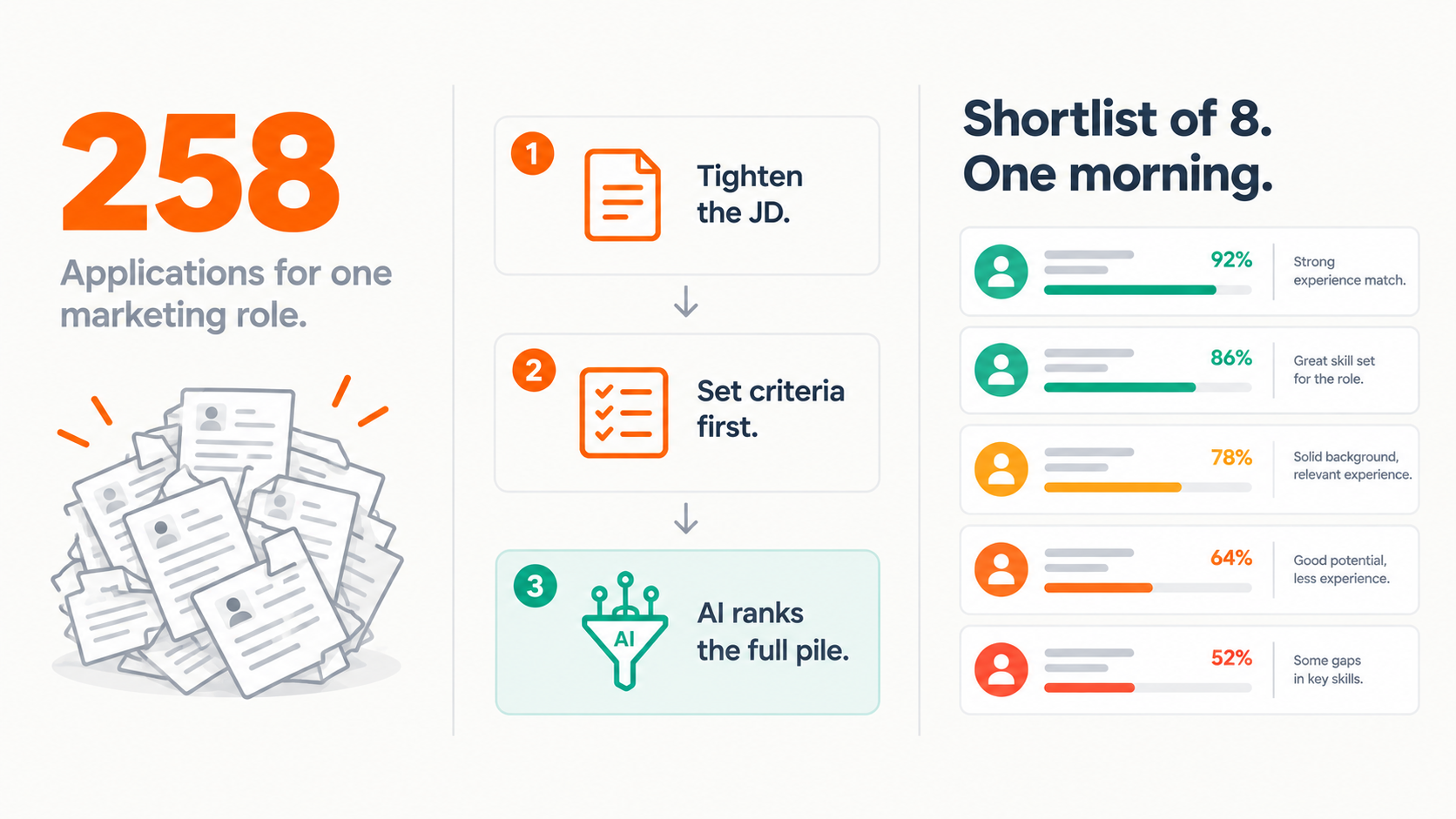
Too Many Applicants for a Marketing Role?
Marketing job posts are getting 200+ applicants and most agencies can't screen them properly
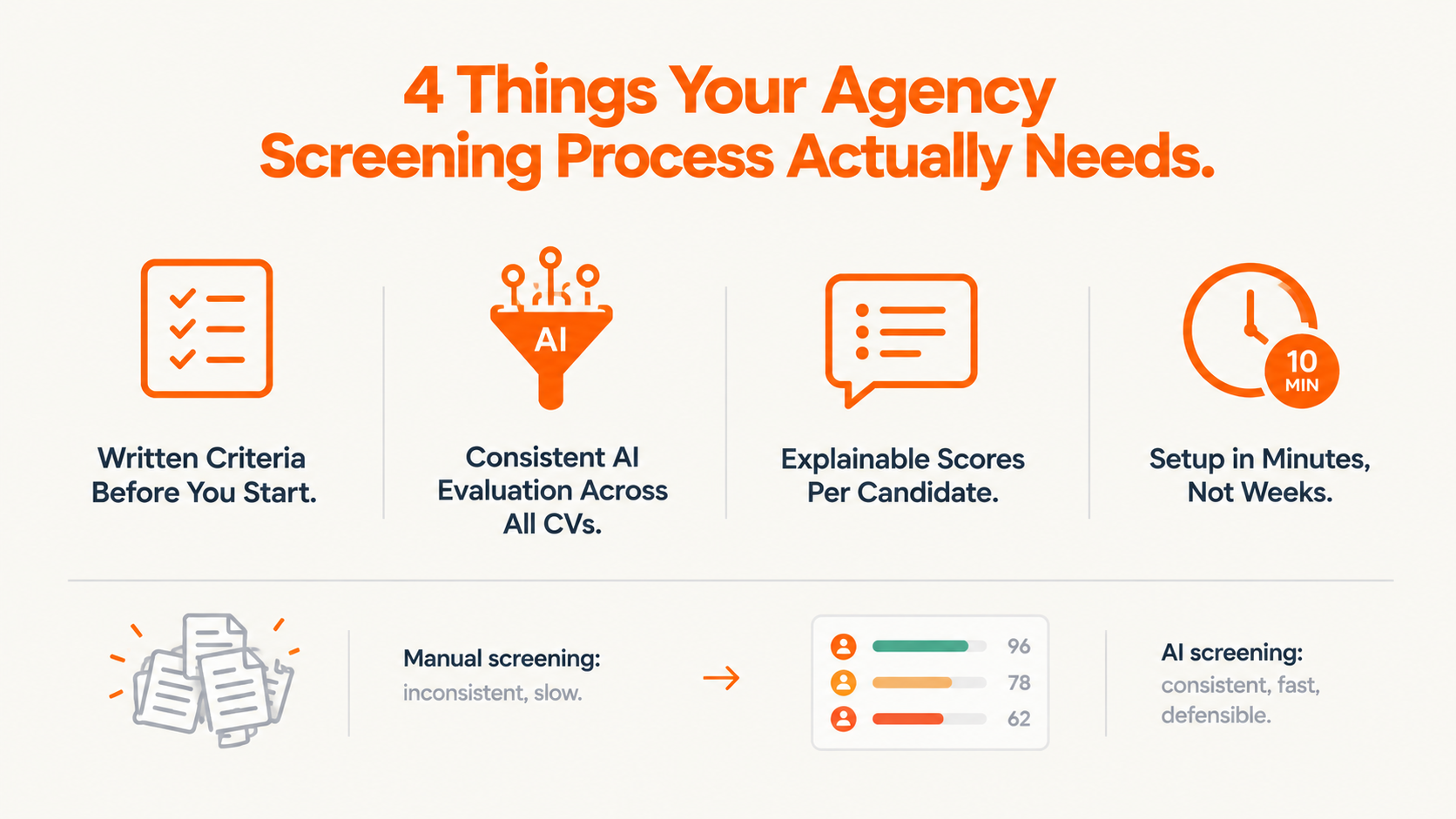
Resume Screening Software for Marketing Agencies
Most resume screening software was designed for companies with dedicated HR teams, IT departments, and continuous hiring pipelines.

AI Hiring Compliance USA 2026
Several US states now have live requirements around AI tools used in hiring, covering disclosure, bias auditing, and recordkeeping.